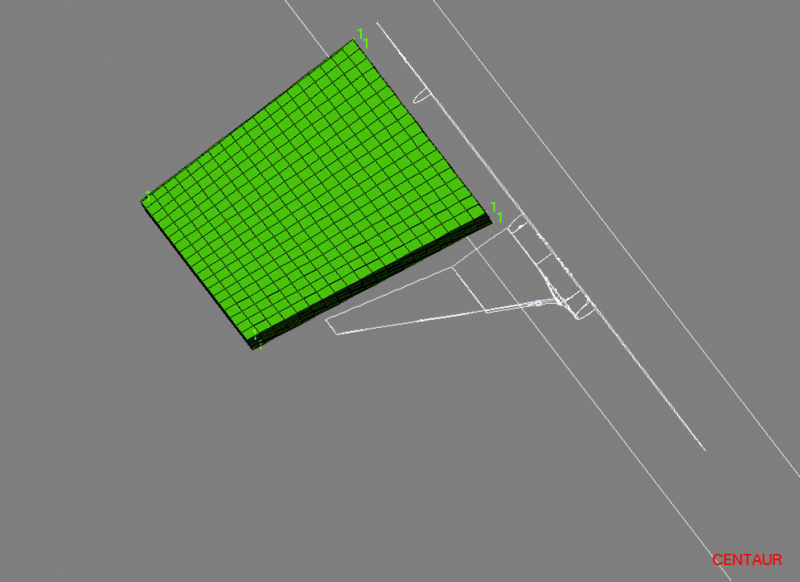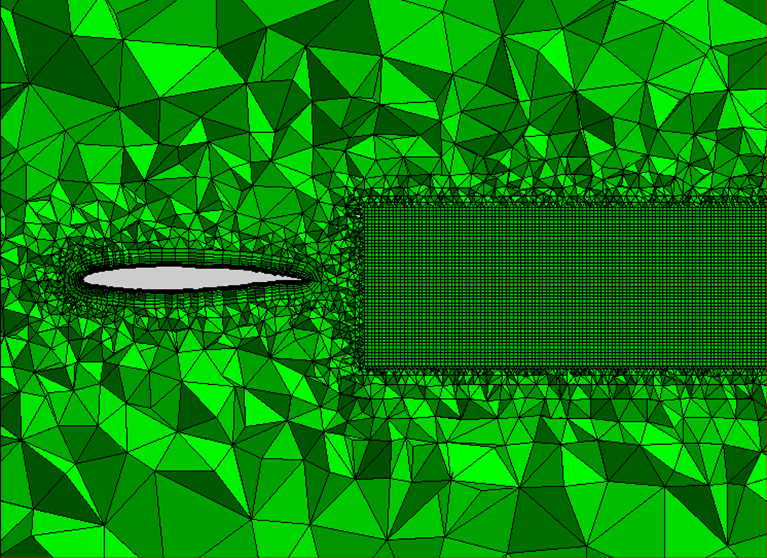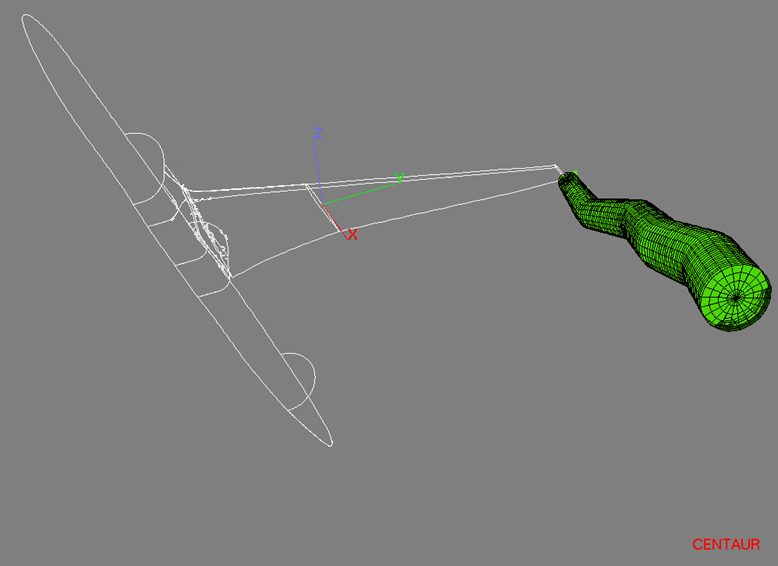
Structured and Semi-Structured Blocks
| Connection Option | Usage |
|---|---|
| Floating |
|
|
Extended Hex Layers (EHL)
|
|
|
Extended Prism Layers (EPL)
|
|
|
Base Panels Connected
|
|
|
Side Panels Connected
|
|
|
Existing Blocks Connected
|
|
|
Cavity Block
|
|
|
Wake Block
|
|
| Swept Block |
|
-
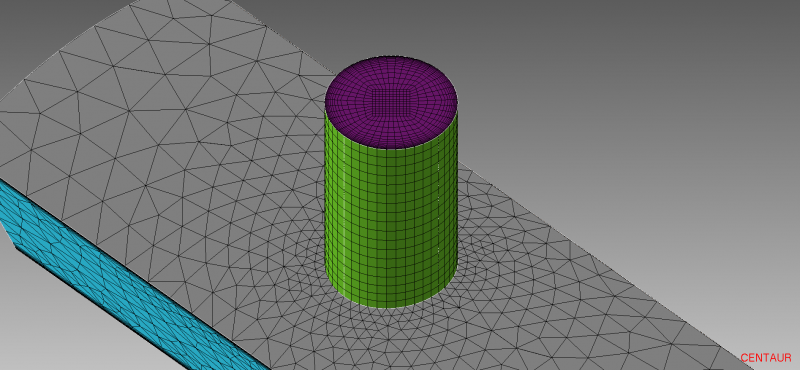
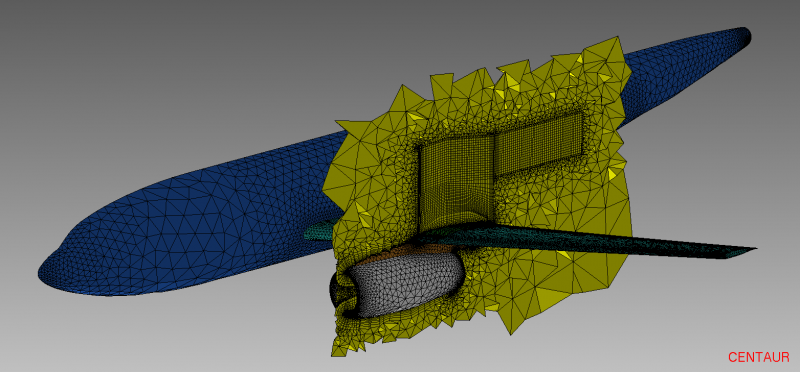
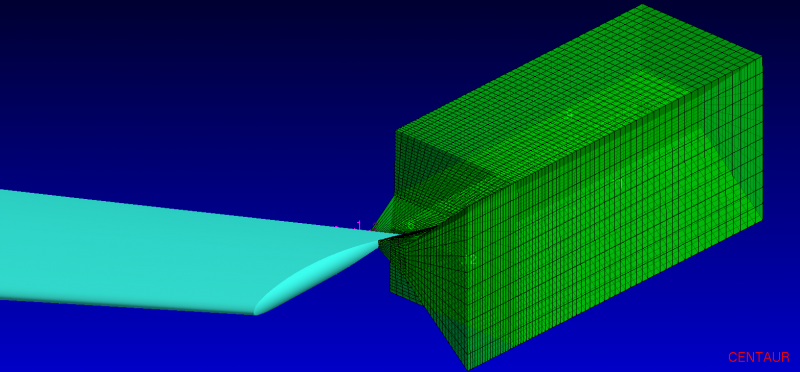
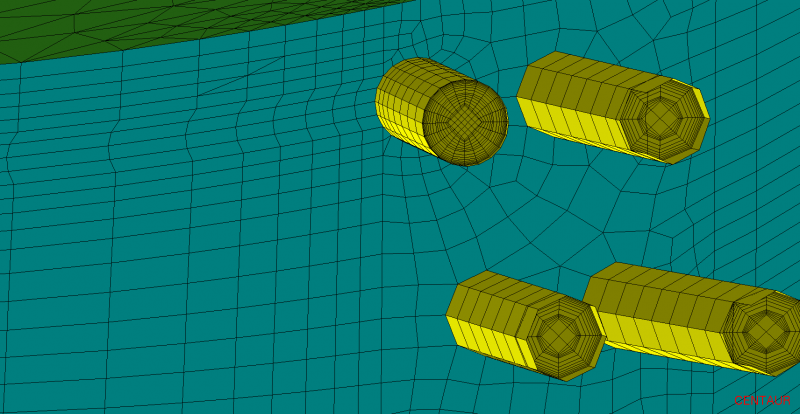
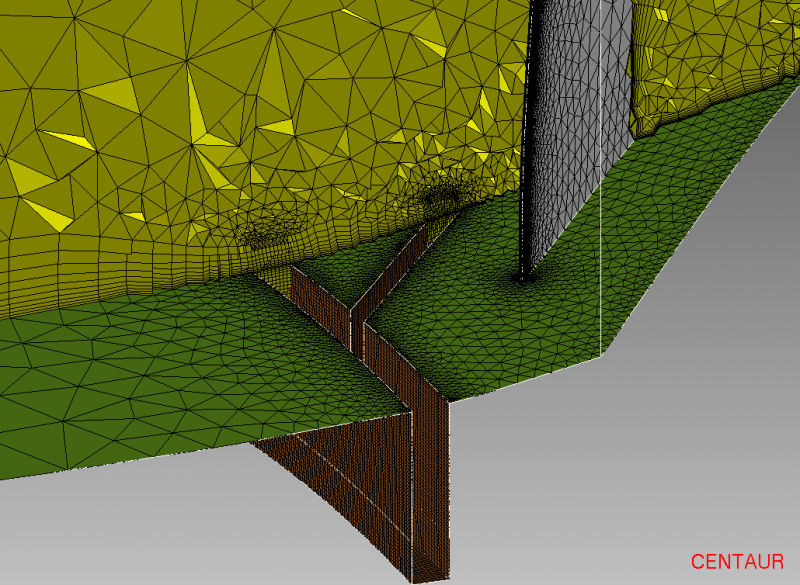
These local meshes can cover simple geometry volumes, while the more flexible hybrid meshes will cover the remaining of the domain.
-
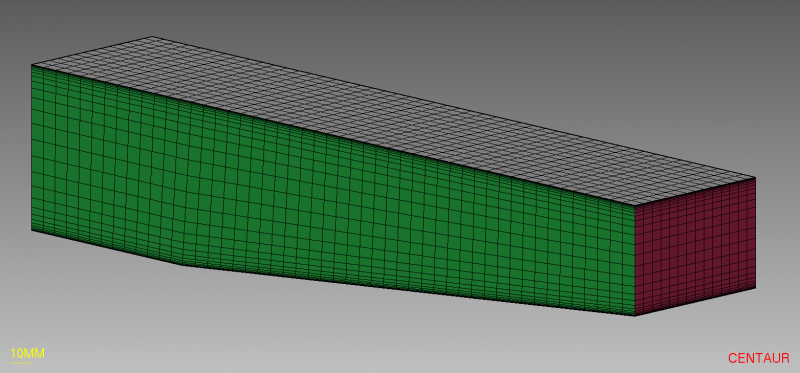
Using the Base Panel option, Hex Blocks can also be used to completely fill simple cases with a purely hexahedral mesh.
-
Special care is taken in order to ensure a smooth coupling of the two types of meshes to make sure the sizes for both the structured and unstructured domains are compatible.
-
The mesh generator automatically takes care of interfacing the quadrilateral faces of the hexahedra with the triangular faces of the tetrahedra.
-
These connections can also be mixed together on a single block or multiple blocks as needed.
-
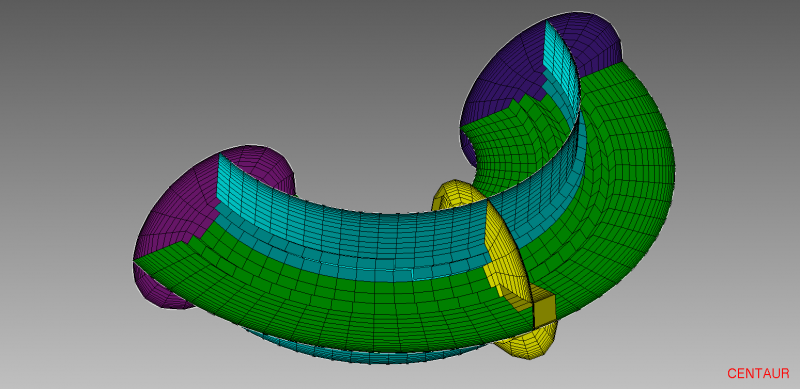
Blocks can either have straight sides or curved sides allowing for curved pipes to be filled with hexahedra.
-
Structured blocks (EHL, Base Panel, Cavity and Floating) can be exported as a structured set of nodes in ijk-notation.
When To Use
How to Use
Hex blocks are created using the options found in the Blocks/Hexahedra menu. The Create Block Wizard can also be started using the  toolbar button. They can be exported as unstructured grid data or as IJK Hex blocks. Hex blocks can be re-used from one case to another through the usage of Hex Block (HXB) files or Hex Block Template (HBT) files. These files can be exported via Blocks>Save Block File (for HXB files) Blocks/Hexahedra>Block Templates>Save Block Template File… (for HBT files). The HXB file is used to save all blocks including blocks linked to panels. The block template (HXB) file is used to store the blocks in using block templates where blocks are linked to groups. Block templates can then be used to exchange blocks between cases that are similar, but do not have the same panel numbering. Either file format enable blocks to be used in a scripting environment.
Please see the following tutorials to learn how to use this feature:
- Basic Extended Hex Layers (EHL) Block Tutorial – Basic EHL Technique
- Advanced Extended Hex Layers (EHL) Block Tutorial – Advanced EHL Technique
- Extended Prism Layers (EPL) Block Tutorial – EPL Technique
- Free (Floating) Block with Side Panel and Hex Block Connections Tutorial – Free Floating Blocks with Side Panel and Hex Block Connections
- All Hexahedra Tutorial – Creation of a Purely Hexahedral Mesh
- All Hexahedra (Split Face) Tutorial – Creation of a Purely Hexahedral Mesh using Panel Splitting to create the proper block shapes
- Advanced All Hexahedra Tutorial – More advanced techniques used to create a Purely Hexahedral Mesh for complicated geometries
- Fill Gaps with Blocks (All Hexahedra) Tutorial – Creation of a Purely Hexahedral Boundary Layer Mesh and use of EHL blocks to fill the gap with hexahedra
- Hexa Blocks for Pipes and Holes Tutorial – Using EHL blocks to fill a simple pipe (hole) with hexahedra
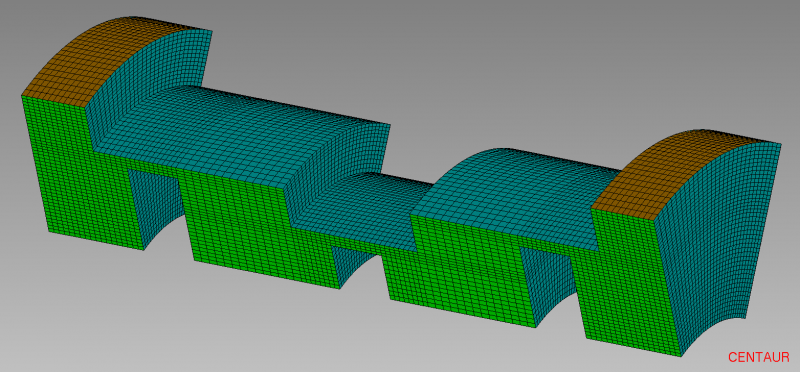
- Cavity Blocks Tutorial – Using a Cavity Block to fill a slot with hexahedra without disturbing the boundary layer mesh.
- Special Cavity Blocks Tutorial – Using Cavity Blocks to fill a cooling hole with hexahedra without disturbing the boundary layer mesh.
- Swept Blocks Tutorial – Using a Swept Block to fill a curved hole geomtry.
- Transition Blocks Tutorial – Use multiple block types to create a path of structured elements from the inlet to the outlet of a duct geometry with a circular inlet.
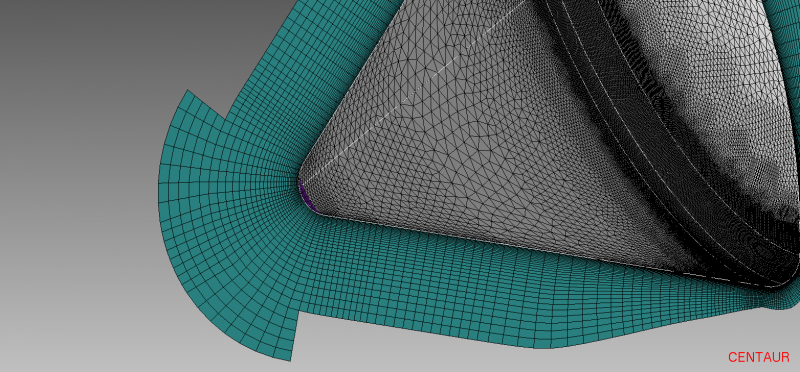
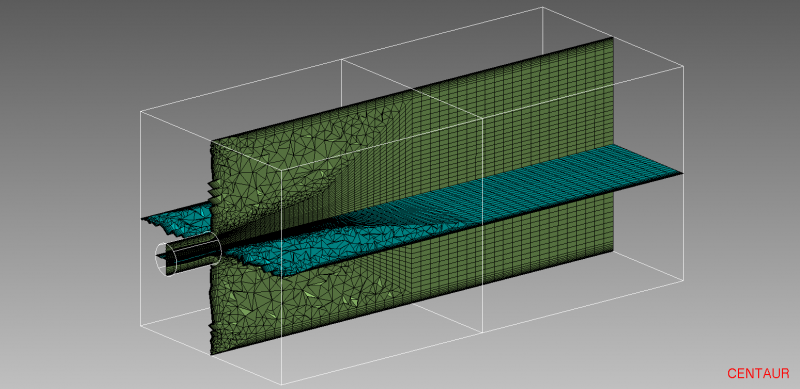
Extended Hex Layers (EHL) Examples
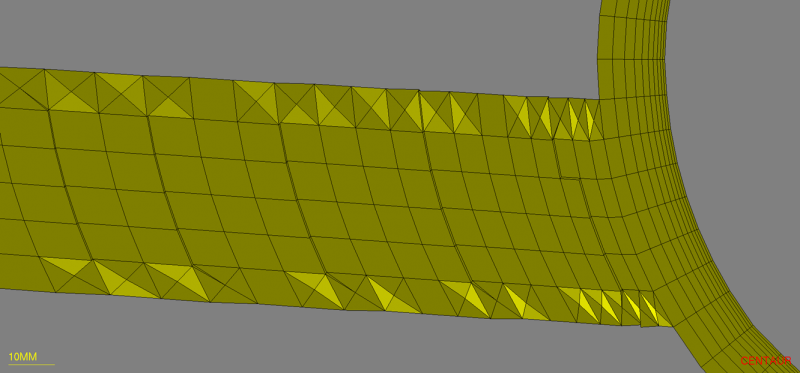
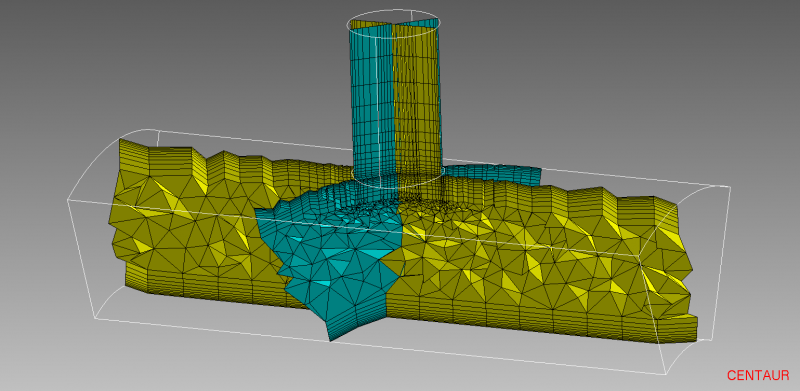
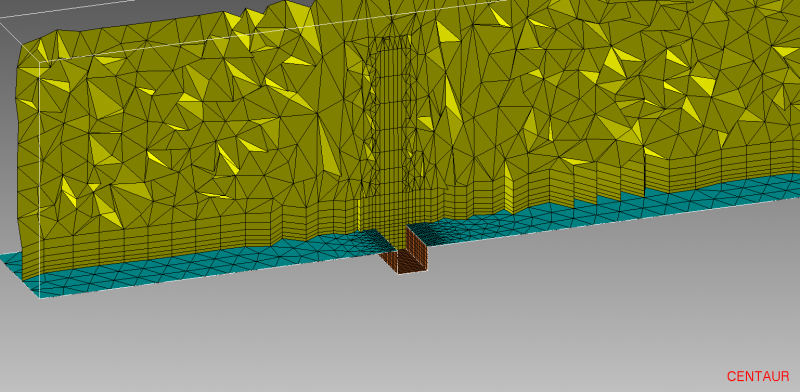
Cavity Blocks Examples
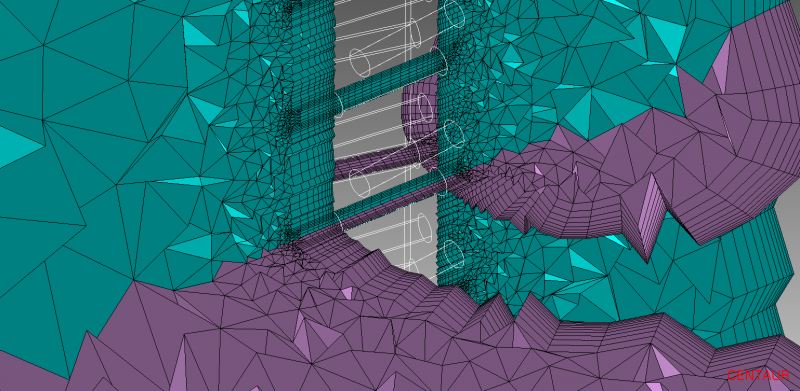
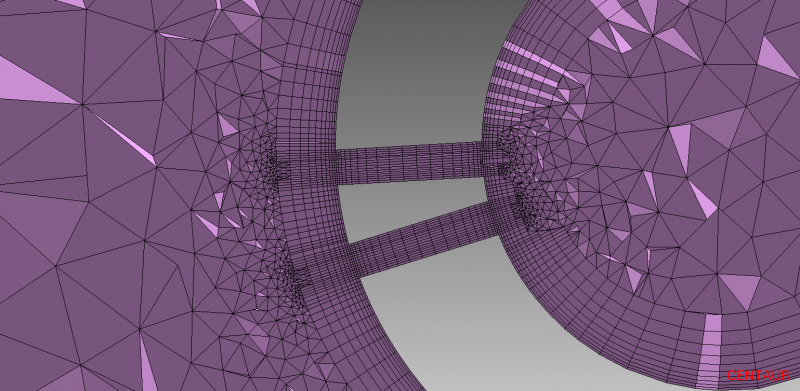
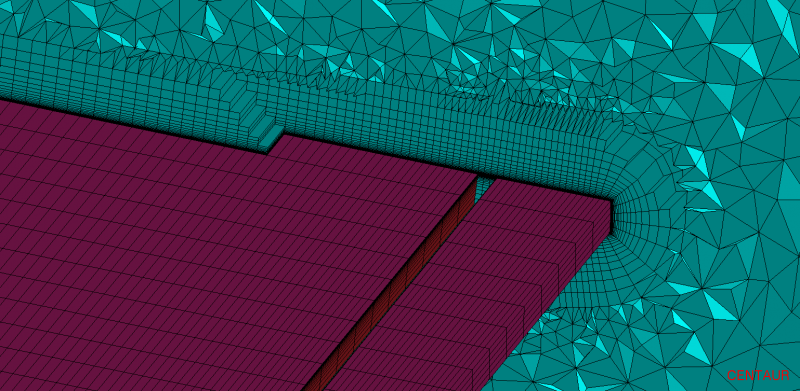
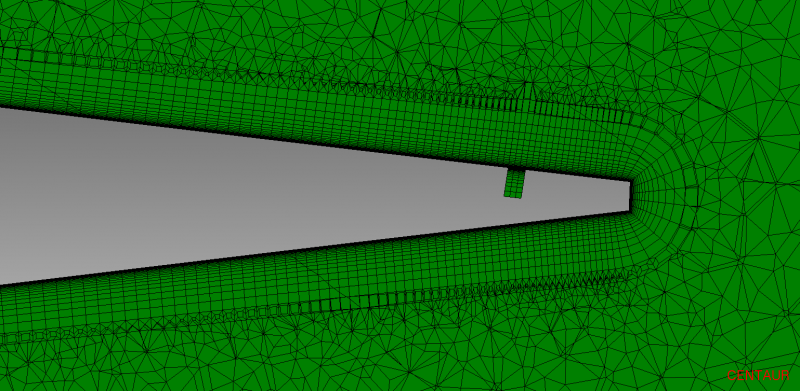
Free (Floating) Blocks Examples